

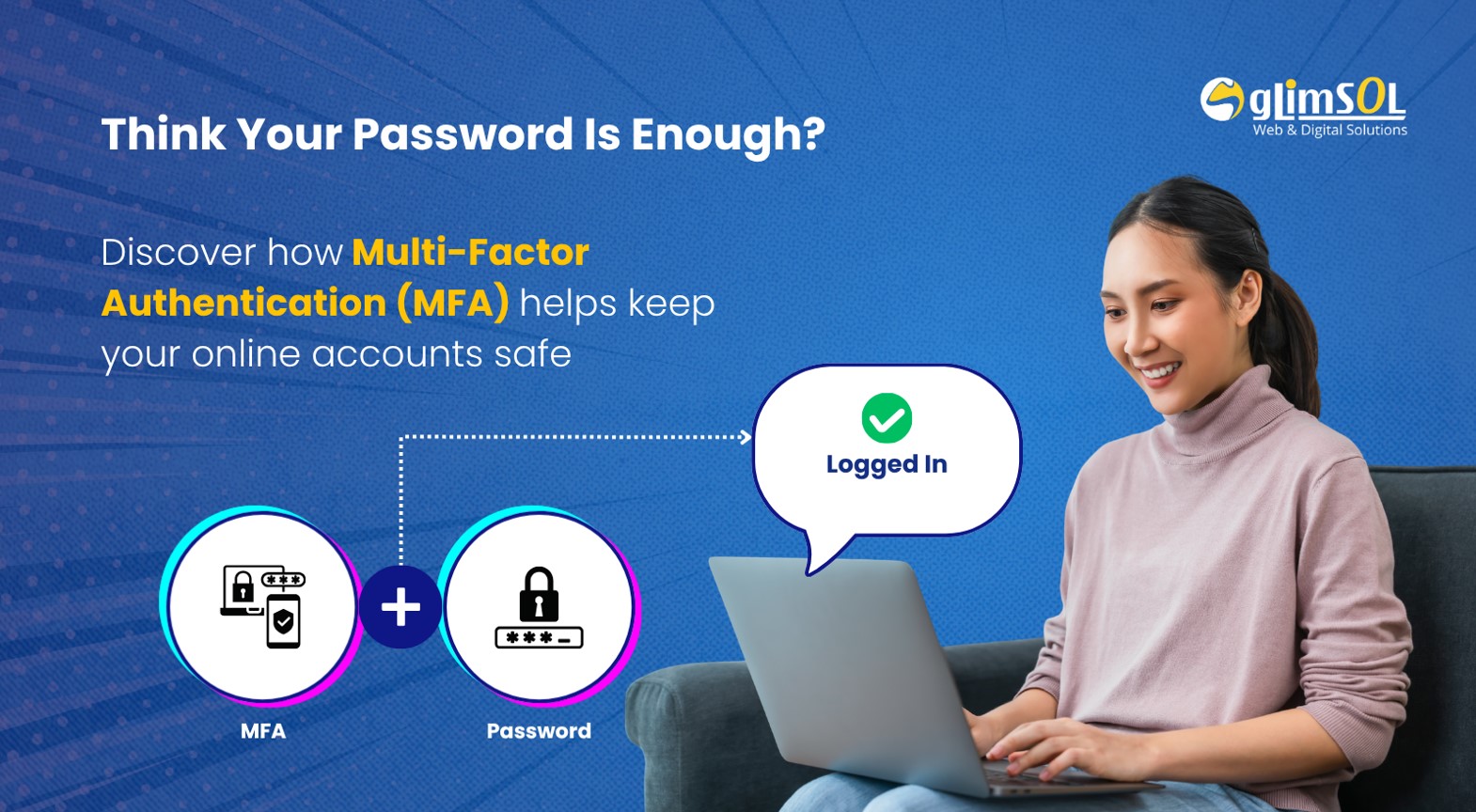
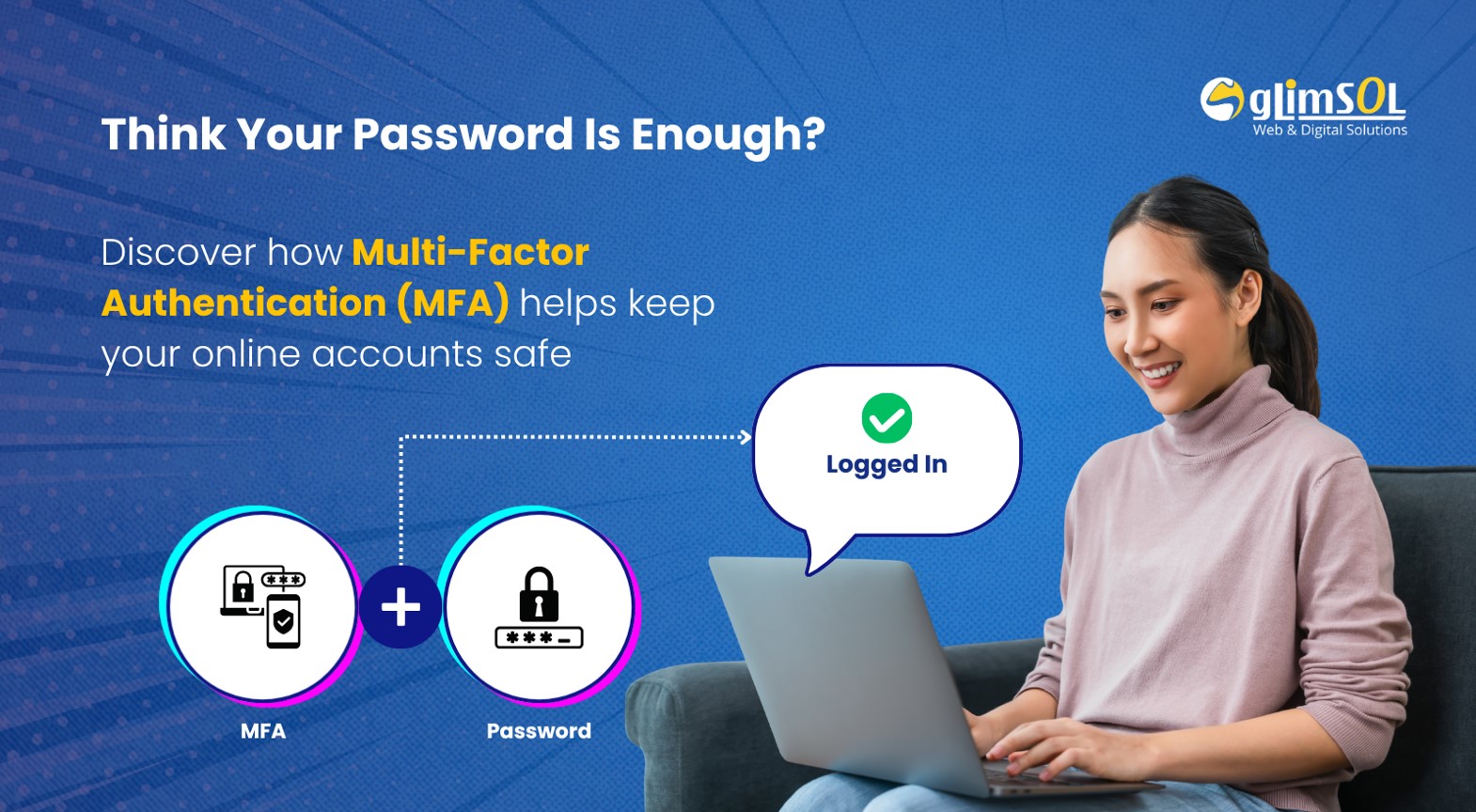
Whether you're shopping online, checking your bank account, accessing work tools, or logging into social media, your online accounts hold valuable personal information. As cyber threats continue to grow, relying on a password alone is no longer enough to keep your accounts secure.
That's why many websites and mobile apps now use Multi-Factor Authentication (MFA). Although it only takes a few extra seconds during login, MFA can significantly reduce the risk of unauthorized access and help protect your digital identity.
Let's take a closer look at how MFA works and why it's becoming an essential part of online security.
Multi-Factor Authentication (MFA) is a security feature that requires you to verify your identity using two or more methods before you can access an account.
These methods typically include:
- Something you know – such as your password or PIN.
- Something you have – such as your phone that receives a verification code or an authentication app.
- Something you are – such as your fingerprint or facial recognition.
By requiring more than one form of verification, MFA makes it much harder for cybercriminals to gain access to your account—even if they already know your password.
A One-Time Password (OTP) is a temporary code sent to your phone, email, or authentication app. It can only be used once and usually expires after a few minutes.
An OTP is one type of verification used in MFA.
For example:
- Logging in with only a password provides one layer of security.
- Logging in with your password and an OTP creates two layers of verification, making your account much more secure.
In short, OTPs are often part of MFA—but MFA can also include other verification methods like biometrics or authentication apps.
Cybercriminals use techniques like phishing emails, fake login pages, and stolen passwords to access online accounts. Even strong passwords can be compromised.
MFA helps stop these attacks by requiring another verification step before access is granted.
Today, you'll commonly encounter MFA when:
- Logging in from a new device
- Resetting your password
- Making online payments
- Accessing banking or healthcare portals
- Updating important account information
That extra step helps confirm that it's really you trying to access your account.
Enabling MFA is one of the easiest ways to improve your online security. You can further protect yourself by following these best practices:
- Enable MFA whenever it's available.
- Use a strong, unique password for each account.
- Never share your OTP or verification code with anyone.
- Be cautious of unexpected login requests or suspicious emails.
- Keep your phone number and recovery email address up to date.
These simple habits can go a long way in protecting your personal information.
Although MFA adds one extra step to the login process, it provides an important layer of protection against unauthorized access, fraud, and identity theft.
As more aspects of our lives move online, taking advantage of security features like MFA is one of the smartest ways to protect your digital identity. The next time a website asks you to verify your login with an OTP or another authentication method, remember that those few extra seconds are helping keep your information safe.
Online security involves more than just strong passwords. Features like Multi-Factor Authentication (MFA), secure authentication, and ongoing security optimization all play an important role in protecting websites and their users.
If you'd like to learn more about building safer and more secure digital experiences, explore our guide on Website Security Optimization: